This article was published in 2018. Platform features may have changed since then.
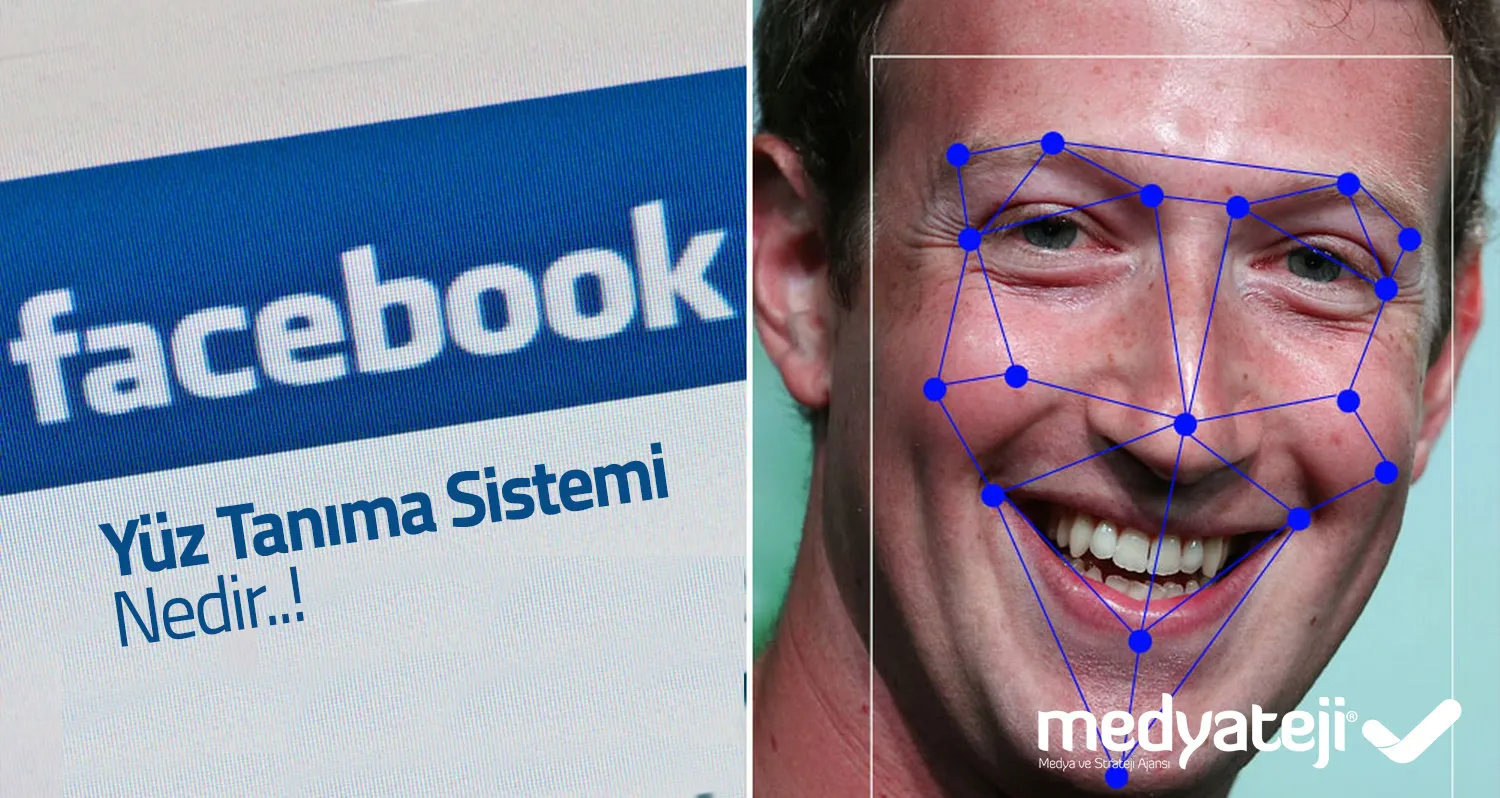
Learn about Facebook facial recognition technology in our article. As it continues to develop every day, Facebook's facial recognition technology is aimed at something important. This article also explains how to turn the Facial Recognition feature on and off.
The Facebook team, which is looking to use facial recognition beyond tag suggestions, has made some announcements about facial recognition technology.
With this technology, you can find photos you appear in but haven't been tagged in, protect yourself from strangers using your photo, and tell people with visual impairments who is in your photo or video.
In other words, Facebook will not allow others to use your photo without your permission. Women's photos in particular were being taken from their profiles and used to open accounts in their names, and inappropriate conversations were being held through them. Similarly, in Turkey, many accounts were being cloned, with friend requests sent to people on the original account's friend list, and people were falling victim to fraud. Facebook aims to put an end to these problems with facial recognition technology.
What will Facebook use facial recognition technology for?
Letting you tag people quickly and easily. Helping protect you from strangers who use your photo as their profile picture. Helping people with visual impairments by telling them who is in a photo or video. Letting you know when you may appear in photos or videos even if you haven't been tagged.
You only receive notifications about photos where you are within the audience. To work out whether you are in a photo or video, our system compares it with an analysis of photos and videos. These can include your profile picture and the photos and videos you've been tagged in.

Turning facial recognition on and off
At Medyateji we're sharing how to configure these settings. Go to Settings - More. Tap Privacy Shortcuts. Tap More Settings. Tap Facial Recognition. Tap the option "Do you want Facebook to be able to recognize you in photos and videos?" Choose Yes if you want Facebook to be able to recognize you in photos and videos. Choose No if you don't. This setting also applies to any features we add later, and you can turn it on or off at any time. Facial recognition technology may not be available to everyone.